
Free tools

Trading tools that are actually free

No email, no limits. The calculators run in your browser — the dashboard EA runs in your own terminal.

Which one do you need?

Find the question you actually came with. Nothing here needs an account, and nothing takes longer than a minute except the two that install into MetaTrader.

If you are askingUseTakes
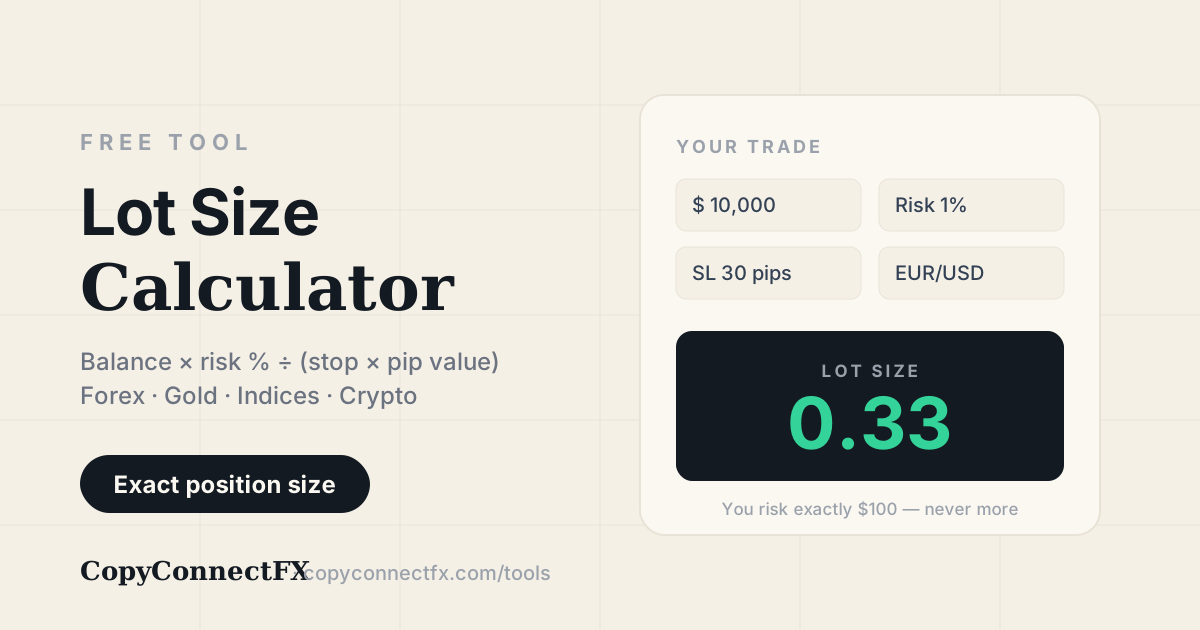
How many lots should I trade?Lot Size Calculator10 seconds
What is one pip actually worth to me?Pip Value Calculator10 seconds
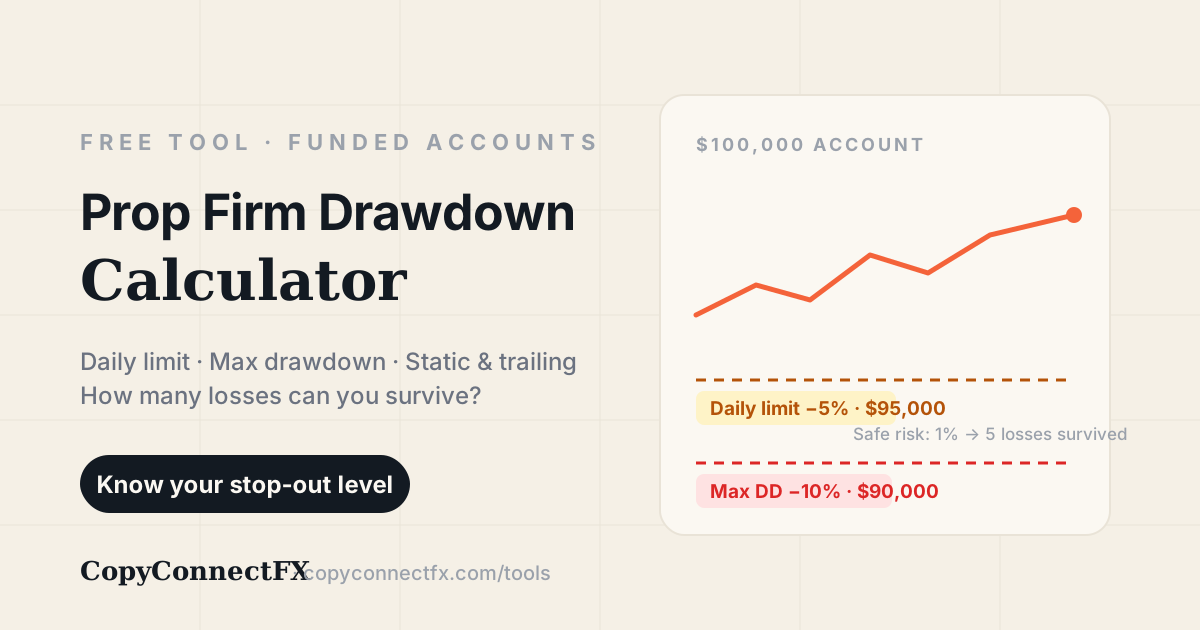
Will this trade break my prop firm's rules?Prop Firm Drawdown Calculator30 seconds
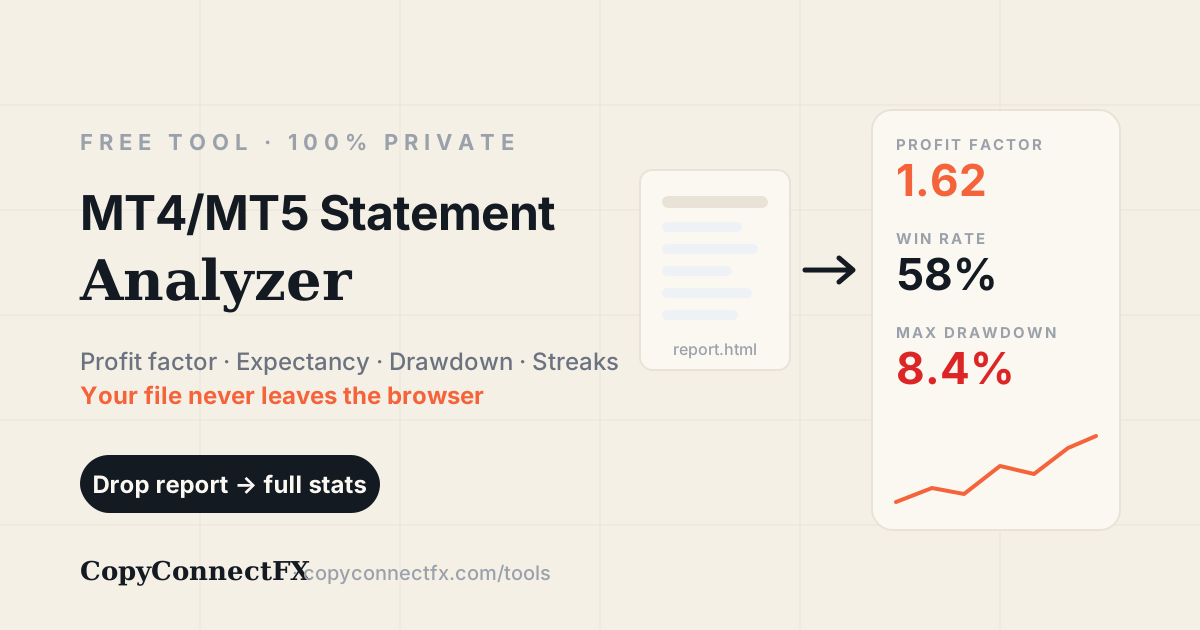
Was my last few months actually any good?Statement Analyzer1 minute
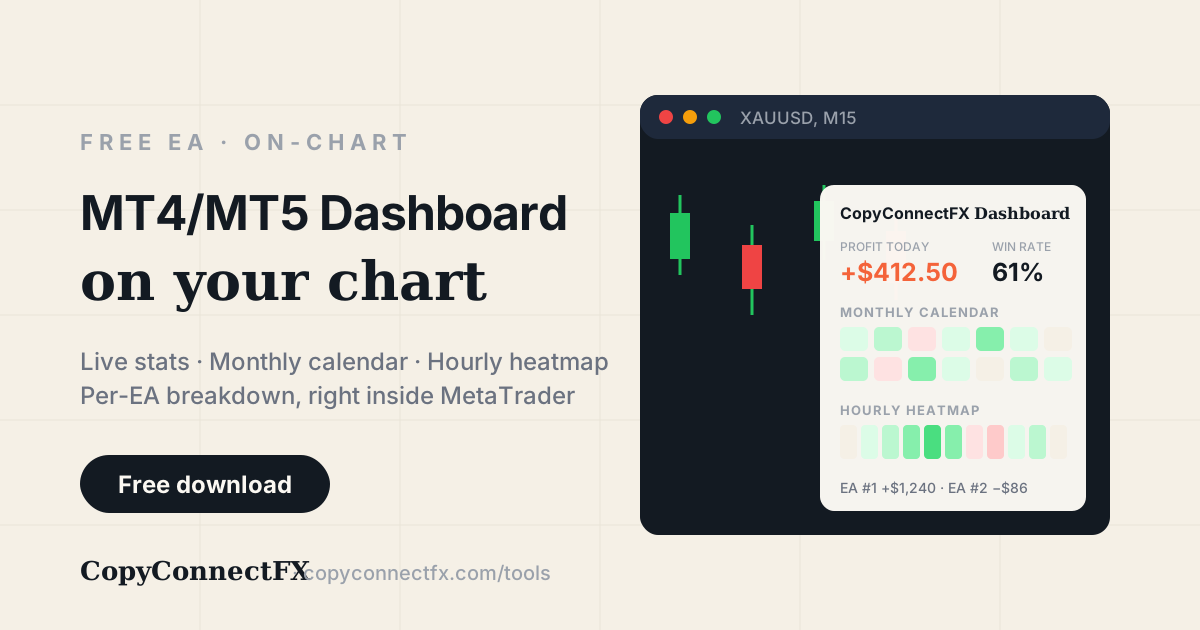
What are my numbers right now, while I trade?Dashboard EA5-minute setup
Can I prove my results to someone else?Verified Results10-minute setup

How the numbers are worked out

No tool here is a black box. These are the formulas behind them — run them by hand if you like, and you should get the same answer.

Position size

Risk in money is the balance times the percentage you accept losing. Divide that by what one lot loses over your stop distance:

lots = (balance × risk%) ÷ (stop distance × value per point per lot)

The part people get wrong is the last term: it is not the same for EURUSD, XAUUSD and US30. That is why a “0.10 lots always” habit risks a different amount on every instrument. Worked examples.

Prop firm drawdown

Two limits run at once, and the tighter one is the one that fails you: a daily loss cap measured from the day's starting balance, and an overall drawdown measured from your starting balance or your highest equity.

losing trades survived = daily cap ÷ risk per trade

At 2% risk against a 5% daily cap that is two trades, not three — the third loss breaches it. How firms check.

Profit factor and expectancy

Profit factor is gross profit divided by gross loss — above 1.0 means the account made money, and 1.3 to 1.6 is a realistic band for a strategy that survives. Expectancy tells you what one average trade is worth:

expectancy = (win% × avg win) − (loss% × avg loss)

A 40% win rate is fine if the winners are twice the losers. What each metric means.

Maximum drawdown

The largest fall from a peak in the balance curve to the lowest point before a new peak — measured as a percentage of that peak, not of the final balance.

drawdown% = (peak − trough) ÷ peak × 100

It is the number that decides whether a record is investable, because it is the loss a follower would actually have had to sit through. Reading a statement.

Nothing here uploads your data

The calculators are browser-only. Balance, risk and stop distance are typed into a page that does the arithmetic in JavaScript on your machine. Close the tab and nothing remains.

The statement analyzer parses locally. The MT4 or MT5 report you drop in is read by your own browser. The file is never sent to a server, which is why it works with the browser offline.

The Dashboard EA reads only. It runs in your terminal and has no trading functions at all — it cannot open, modify or close a position, so it is safe on a funded account.

Common questions

Are these trading tools really free?+

Yes — all four, with no account, no email and no usage limit. The three calculators run entirely in your browser, so there is no server cost to recover. The Dashboard EA is a free download that runs inside your own MetaTrader terminal.

Do the calculators send my data anywhere?+

No. The lot size calculator, the prop firm drawdown calculator and the statement analyzer all run as JavaScript in your browser. Your balance, your risk settings and your statement file never leave your computer — the statement you drop in is parsed locally and is never uploaded.

Which lot size should I use as a beginner?+

Most consistent traders risk 0.5% to 1% of the account on a single trade. Enter your balance, that percentage and your stop-loss distance into the lot size calculator and it returns the exact lot size. The point is not the lot number — it is that a losing trade costs a known, survivable amount every single time.

Do these tools work for gold, indices and crypto, or only forex pairs?+

All of them. The lot size calculator handles XAUUSD, indices like US30 and NAS100, and crypto pairs, because it works from the contract size and tick value of the instrument rather than assuming a standard forex pip.

What is the difference between the Statement Analyzer and the Dashboard EA?+

The Statement Analyzer reads a finished MT4 or MT5 report file in your browser — it is for reviewing history, including an account you no longer trade. The Dashboard EA runs live on a chart and shows the same class of statistics as they change, so it is for the account you are trading today.

Do I need a prop firm account to use the drawdown calculator?+

No. It is useful for any account with a maximum loss you care about. Prop firm rules simply make that limit explicit — a daily loss cap and an overall drawdown cap — and the calculator turns those into a per-trade risk you can actually follow.

Related

Or let the software handle it

CopyConnectFX copies trades between your MT4 and MT5 accounts locally, sizes every copy by risk, and publishes verified results you can share. Also free.