

How Prop Firms and Investors Verify Trading Results (and Why Screenshots Fail)
What a prop firm or investor actually checks when you claim a track record: read-only broker access, third-party verified pages, deposits and drawdown.
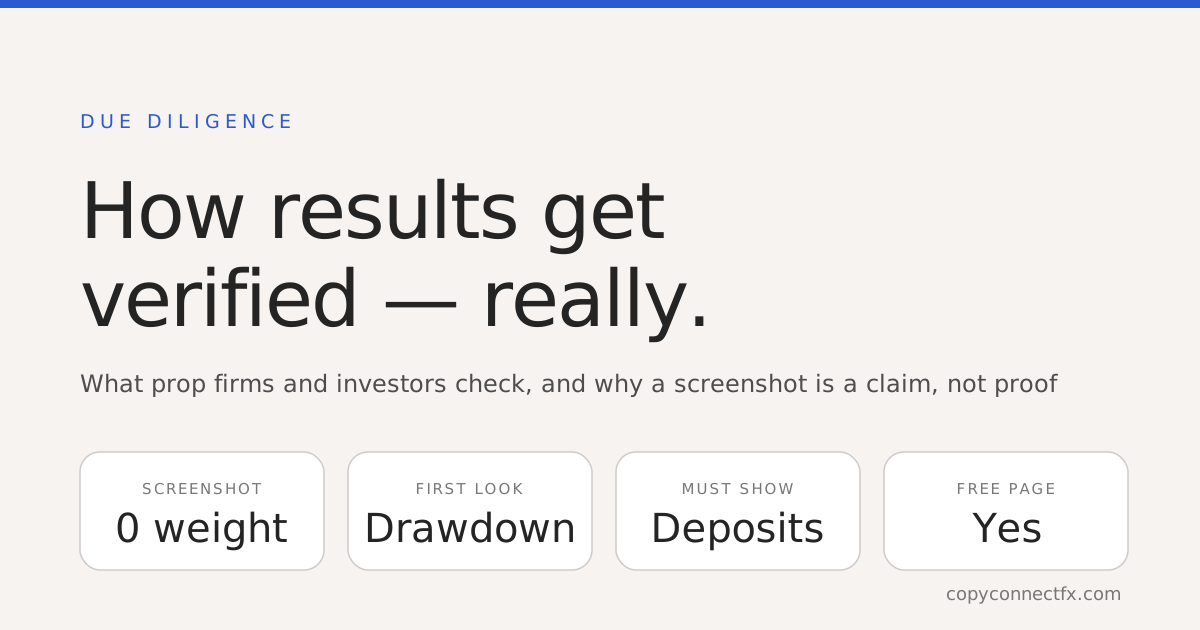
Short answer: a prop firm, fund or private investor verifies results by looking only at data the trader could not have edited — a page fed directly from the broker or terminal, read-only access to the account, or a broker statement they can cross-check. Screenshots, spreadsheets and PDFs made by the trader are not verification; they are marketing. Then they look at drawdown and deposits before profit, because that is where the fake ones fall apart.
What "verified" means to someone with money at stake
The test is simple: could the trader have produced this themselves? If yes, it is unverified, however impressive. Verified sources share three properties: the numbers were generated by software reading the actual account, the trader cannot edit them after the fact, and deposits and withdrawals are visible so a top-up cannot pass as profit.
| Evidence | Who produced it | Editable by trader? | Weight with verifiers |
|---|---|---|---|
| Screenshot of terminal | Trader | Trivially | None |
| Excel / PDF statement from trader | Trader | Yes | None |
| Broker statement emailed by broker | Broker | No | Good — but a snapshot |
| Read-only (investor) login | Broker | No | Strong — for one-to-one review |
| Third-party verified page (Myfxbook, FX Blue, Verified Results) | Software reading the terminal | No | Strong — and shareable |
What they look at first — and it is not profit
Maximum drawdown. A 40% return with a 35% drawdown is a coin flip that landed well. Verifiers read the worst peak-to-trough drop, and — increasingly — the live drawdown including floating losses, because closed-trade drawdown hides an account that was minutes from a margin call. Consistency. Was the profit spread across months, or one week? Monthly bars answer that instantly. Deposits and withdrawals. A curve that steps up on deposit dates is not growth. Any verified page worth the name shows them. Sizing. Lot size relative to balance reveals whether the strategy survives on risk management or on luck. Our guide to reading these metrics covers what each number should look like.
Why screenshots specifically fail
Beyond being editable, a screenshot is a moment — it shows an account today with no drawdown history, no deposits, no context. And the people evaluating you have seen thousands of them, including the fake ones. Sending a screenshot signals that you either do not know what verification is, or hope they do not. Neither helps.
What prop firms specifically check
A firm evaluating you for a funded account or a scaling plan looks at the challenge account itself — they hold the data — so what they check is behaviour: whether you traded consistently, respected daily-loss limits, sized sanely, and whether the strategy in the trades matches what you told them. If you copied trades into the challenge from another account, most firms are fine with it if it is your own account; several prohibit copying across different firms. Read how their drawdown rules work before you start, and use a copier with equity protection so a copied trade cannot breach a daily limit.
Building a track record they will accept
- Feed a verified page from day one. Attach a read-only publisher to the terminal so history uploads automatically — Verified Results is free and never places a trade.
- Show deposits. Do not hide them; hiding them is what fakes do. A verified page shows them by default.
- Trade the same way for months. Six months of consistent behaviour beats one spectacular week every time.
- Share a link, not a file. A public page updates itself; a PDF is stale the moment you send it. For one investor, a private link that works without publishing does the same job discreetly.
- Keep the account number to yourself. Broker, server and account type are enough for credibility.
The free way to do it
CopyConnectFX Verified Results does the whole chain at no cost: a read-only Publisher EA on MT4 or MT5 uploads your closed and open trades; the page shows win rate, profit factor, closed and live drawdown, deposits and withdrawals, monthly bars and a balance curve; you choose public (listed on our Live Results gallery), private link, or hide the money amounts and keep the ratios. It is the answer to "send me something I can trust" — here is how to set it up, and how it compares to Myfxbook.
Frequently asked questions
How do investors verify a trader's results?+
By looking at data that the trader could not have edited: a third-party page fed directly from the broker or terminal, read-only investor access to the live account, or a broker statement they can cross-check. A screenshot, spreadsheet or PDF the trader produced themselves is not verification — it is a claim.
Is a Myfxbook-verified account proof?+
It is much stronger than a screenshot: Myfxbook pulls trades from the broker or the terminal and marks the account verified when the connection is confirmed. Free alternatives do the same thing — the point is that a machine, not the trader, produced the numbers.
What do prop firms check besides profit?+
Maximum drawdown (daily and overall), consistency (was the profit made in one lucky day?), lot sizing relative to balance, whether deposits inflated the curve, and whether the trades match the trader's stated strategy. Profit is the least interesting number to a verifier.
Can I fake a verified track record?+
You can fake a screenshot in seconds. A properly verified page is far harder: it is fed by software reading the actual account history, shows deposits and withdrawals so top-ups cannot masquerade as growth, and updates itself. Anything that can only be produced by the trader should be treated as unverified.
Should I share my account number to prove results?+
No. A verified page shows the broker, server and account type — enough to be credible — without exposing the account number. Investor-password access is an alternative for one-to-one due diligence, but never for public sharing.
How do I build a verified track record for free?+
Attach a read-only publisher to your MT4/MT5 terminal that uploads trade history to a public page — CopyConnectFX Verified Results does this at no cost. It shows win rate, profit factor, drawdown, deposits and a live curve, and you choose whether the page is public, private-link, or hides money amounts.
Keep reading
Copy trades between MT4 & MT5 in milliseconds
Free local trade copier with a realtime web dashboard. Set up in 10 minutes — no coding.
Get Started Free