

The forex economic calendar, read in your timezone and emailed before the day starts
A free forex economic calendar that shows every release in your own timezone, sorted by impact, with an optional daily email of the day ahead at 7am your time.
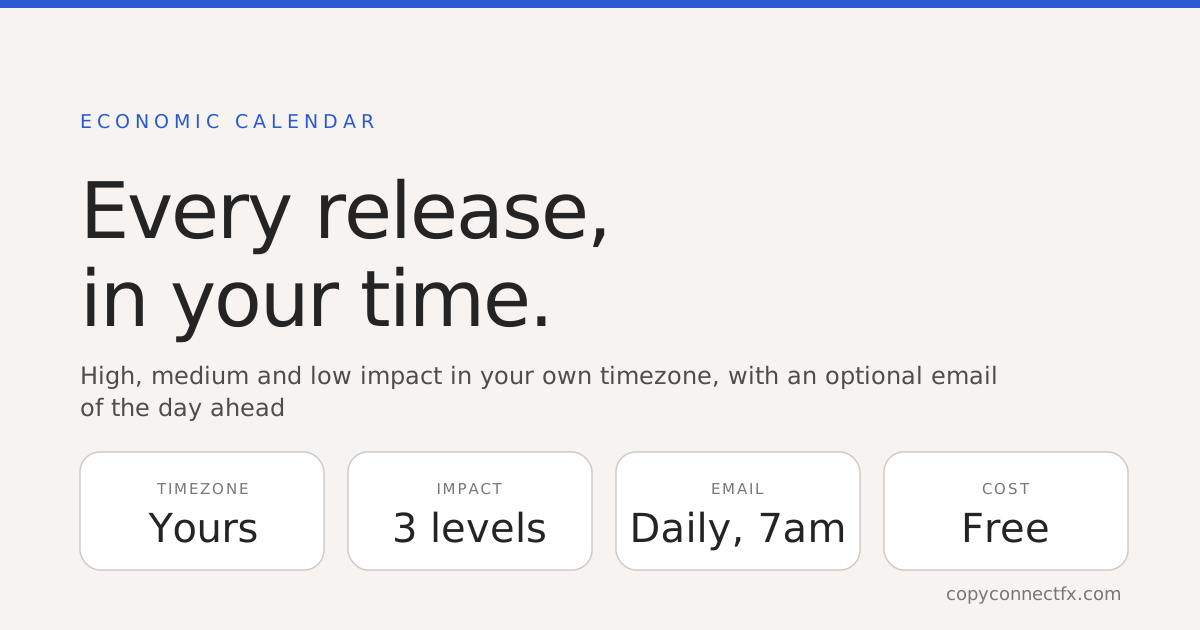
Short answer: an economic calendar is the one genuinely predictable thing in trading — not what price will do, but exactly when it is likely to do something. The CopyConnectFX economic calendar is free, shows every release in your own timezone rather than somebody else's, filters by impact, and will email you the day ahead at 7am on your clock if you want it.
The timezone problem, which is most of the problem
Almost every calendar publishes in one fixed zone. You then hold two offsets in your head at once — the calendar's zone to yours, and your broker's server time to yours — and decide whether this week's clock change has already happened in one country but not the other.
People do not get this wrong because they are careless. They get it wrong because converting times by hand, under time pressure, twice a day, has a failure rate. And the failure is always the same shape: you were at the screen, just not for the hour that mattered.
So our calendar stores every event in UTC and renders it in whatever zone your own browser is in, with the zone named on the page. The daily email does the same thing, per subscriber, including where the local day actually begins — which is why someone in Mumbai and someone in Chicago get a genuinely different list for "today" rather than the same list with different labels.
The three impact levels, and what each one does to price
Impact ranks how much a release has historically moved its currency. It is not a ranking of economic significance, and it says nothing about direction.
| Level | What it covers | What it typically does |
|---|---|---|
| High | Central-bank rate decisions and statements, inflation (CPI), headline employment reports, GDP | Spreads widen before and after, liquidity thins, price can gap past where your orders sit |
| Medium | PMI surveys, retail sales, trade balance, weekly jobless claims, secondary inflation measures | A visible move, usually inside the range the day already had |
| Low | Routine and revised figures, minor sentiment surveys, speeches without new policy | Usually nothing, unless the number misses badly |
The calendar opens filtered to High and Medium on purpose. An unfiltered day is eighty-odd rows, most of which will not touch your chart, and the three that will are buried in them.
Which releases move which currency
Every event carries the currency it belongs to, which is the fastest way to decide whether a row concerns you at all. The rough map:
- USD — Federal Reserve rate decisions and the statement that follows, CPI, non-farm payrolls, and the unemployment rate. Because the dollar is on one side of most major pairs, these move almost everything, gold included.
- EUR — European Central Bank decisions, euro-area and German CPI, and the German Ifo and PMI surveys.
- GBP — Bank of England decisions and votes, UK CPI, and the labour market report.
- JPY — Bank of Japan decisions, and any official comment on currency intervention, which can move the yen harder than scheduled data does.
- AUD, NZD, CAD — their own central banks, their own CPI, and for the Canadian dollar the oil inventory figures.
- XAU (gold) — has no calendar of its own. It reacts to the US releases above, particularly inflation and anything that shifts expectations for interest rates.
If you trade one pair, you are watching two currencies, not one. A GBPJPY trader has both the Bank of England and the Bank of Japan on the list.
Forecast, previous, and the only number that matters
Each row carries a forecast and the previous reading, and the gap between the forecast and what actually prints is where the move comes from. The expected outcome is already in the price; nobody pays twice for news they already had.
This is why a figure can look strong and the currency still falls. If inflation was forecast at 3.4% and comes in at 3.1%, the number is perfectly healthy and the currency can drop hard, because the market had bought the higher figure. Revisions to the previous reading do the same thing more quietly — a headline that beats while last month is revised down is a weaker report than it looks.
So read a row as a question with three parts: what is expected, how far from it would be a surprise, and which of my open positions cares.
How to turn on the daily calendar email
- Open the economic calendar. The first time you visit, you are asked once whether you want the day ahead by email — you can say yes then, or choose later and decide another time.
- Give the email address you want it on. Your timezone is detected from your browser, so the times in the email are already yours.
- Choose the impact levels you want included. High and Medium is the default and suits most people; add Low if you track secondary data.
- The email arrives at 7am on your own clock, listing that day's releases in order with their impact levels, the forecast and the previous figure.
- Every email carries an unsubscribe link that works in one click, with nothing to sign in to.
It is free, there is no limit, and the calendar page itself needs no account at all.
Using it when your trades are automated
This matters more than it does for a discretionary trader, because an automated tool has no idea a central bank is speaking in four minutes. A signal that arrives thirty seconds before a rate decision is a signal that gets filled into a widening spread.
Nothing in our stack reads the calendar and acts on it, and we would rather say that plainly than imply a safety net that is not there. What you can do instead is decide in advance, on the tool that places the orders:
- On Telegram signals, put a channel in test mode for the session so it records what it would have traded and places nothing.
- On the trade copier, set the daily loss limit so a bad news fill cannot turn into a bad news day.
- On TradingView to MT5, decide whether an entry deviation is acceptable at all during a high-impact window — a limit price that was reasonable at 12:29 may not be at 12:31.
The calendar's job is to make sure that decision is made before the window rather than during it.
What a calendar cannot do
- It does not predict direction. Impact is a measure of expected movement, not of which way.
- Times move, and events get added. Scheduled releases are reliable; speeches and anything unscheduled are not, and the single biggest moves of a year are often on the calendar of nobody.
- It is not a strategy. Knowing that payrolls land at 13:30 UTC tells you when to be careful, not what to trade.
- It does not touch your positions. It is a screen and an email, not a control.
Where to go next
- The economic calendar — today and the week ahead, in your own timezone, no account needed
- Daily, maximum and trailing drawdown — why one bad news fill ends funded accounts
- The free MT5 trade manager — sizing a trade so a wider-than-usual spread cannot do real damage
- The numbers that actually matter — reading your own results once the news has passed
- The free tools — lot size, pip value and drawdown calculators
Trading foreign exchange and CFDs carries a high risk of losing money. Around high-impact releases spreads widen and slippage increases, and a stop can fill materially past its level. An economic calendar tells you when those conditions are likely; it does not tell you what price will do.
Frequently asked questions
What is a forex economic calendar?+
A schedule of the data releases and central-bank events that are known in advance to move currency prices — inflation figures, employment reports, interest-rate decisions, growth and sentiment surveys. It tells you what is being published, when, for which currency, and how strongly that release has historically moved price. It does not tell you which way price will go.
Why does the timezone matter so much on a calendar?+
Because a release listed at 12:30 is useless until you know whose 12:30 it is. Most calendars publish in one fixed zone and leave the arithmetic to you, which is how traders miss releases by exactly the hours between them and the server. The CopyConnectFX calendar stores every time in UTC and renders it in your browser's own zone, and it names the zone on the page so there is nothing to assume.
What do high, medium and low impact actually mean?+
They rank how much that release has historically moved the currency it belongs to, not how important it is economically. High covers the handful of releases that routinely widen spreads and gap price — rate decisions, inflation, headline employment. Medium moves price noticeably but usually inside the day's existing range. Low is routine data that mostly passes unnoticed unless it misses badly. The calendar defaults to showing high and medium, because that is what people came to find.
Can I get the forex calendar emailed to me daily?+
Yes, and it is free. Turn it on and you get one email a day listing that day's releases with their impact levels, timed and ordered in your own timezone. It is sent at 7am on your clock rather than a single global hour, so it arrives before the trading day rather than during it. Every email has an unsubscribe link.
Should I avoid trading during high-impact news?+
That depends on your method, but the mechanical facts are not in dispute: around a high-impact release spreads widen, liquidity thins, and the price you get can differ meaningfully from the price you asked for. A stop can fill well past where it sits. If your approach does not specifically account for that, knowing when those windows are is more useful than any prediction of the outcome.
Does the number itself matter, or the forecast?+
The difference between them. Markets have already priced in what was expected, so the move comes from the surprise — how far the actual figure lands from the forecast — and from any revision to the previous reading. This is why a figure that looks strong on its own can send a currency down: it was simply weaker than the market had already paid for.
Does the calendar know what my automated trades are doing?+
No, and it is important to say so. The calendar is information, not a control. It does not pause a copier, skip a signal or close a position around a release. If you want trading halted around news, that decision has to be yours, made in advance on the tool that places the orders.
Keep reading
Copy trades between MT4 & MT5 in milliseconds
Free local trade copier with a realtime web dashboard. Set up in 10 minutes — no coding.
Get Started Free