

How to Copy Trades in MT4 (Free, Step by Step)
Copy trades between MT4 accounts in about 10 minutes: two free EAs, one pairing code, no coding and no fee for the copier. Every step, setting and pitfall explained.
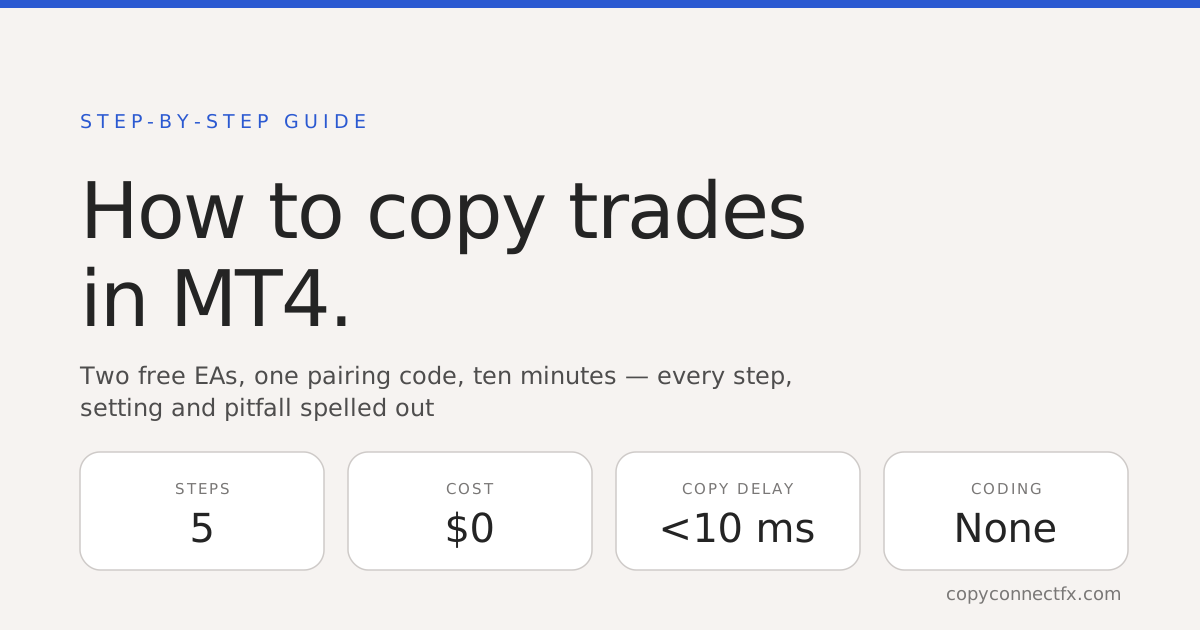
Short answer: to copy trades in MT4 you run both terminals on the same Windows PC or VPS, attach a free Master EA to the account you copy from and a free Slave EA to the account that receives the trades, and link them with one pairing code. That is the whole system — no coding, no plugin store, no monthly fee. Done carefully, setup takes about ten minutes, and after that every open, close, SL/TP change and partial close mirrors in milliseconds.
What you need
| Item | Details | Cost |
|---|---|---|
| Two (or more) MT4 terminals | Master + each receiver, installed on the same Windows PC or VPS | — |
| Master EA + Slave EA | Free download from the CopyConnectFX setup guide after a free account | $0 |
| One pairing code | Links the machine to your monitoring dashboard (optional but recommended) | $0 |
A copier is not a special "MT4 plugin" — it is a pair of ordinary Expert Advisors. If you have ever attached an indicator to a chart, you already know 90% of the process.
Step by step
- Install both terminals on one machine. Different brokers are fine. If you want 24/5 copying without leaving your PC on, use a basic Windows VPS (2 GB RAM is enough — see the VPS guide).
- Put the EAs in place. In each terminal: File → Open Data Folder →
MQL4\Experts. Copy the Master EA into the source terminal, the Slave EA into every receiver, then right-click "Expert Advisors" in the Navigator and press Refresh. - Allow the dashboard URL (once per terminal). Tools → Options → Expert Advisors → tick "Allow WebRequest for listed URL" and add
https://www.copyconnectfx.com. This only feeds the monitoring dashboard — copying itself never touches the internet. - Attach the Master EA to any chart on the source account and make sure the AutoTrading button is green. Paste your pairing code into its
PairingCodeinput. - Attach the Slave EA on each receiving terminal, paste the same pairing code, and pick a lot-sizing mode (table below). Place one 0.01-lot test trade on the master — it should appear on the slave within a few milliseconds.
Choosing how lots are sized
| Mode | What the copy trades | Best for |
|---|---|---|
| Same lot | Exactly the master's size | Identical accounts |
| Fixed lot | Always X lots | Testing, tiny accounts |
| Multiplier | Master size × factor | Scaling up or down |
| Balance / equity ratio | Scaled by account sizes | Different balances — 1% risk stays 1% |
| Risk % | Sized from the SL distance to risk a set % of equity | Strategies that always use a stop loss |
Balance ratio is the sensible default when the two accounts differ in size. A copier changes where a strategy runs, never how good it is — "a copier makes a losing strategy faster, not profitable" is the one sentence worth remembering before pointing it at real money.
The three mistakes that stop most first-time setups
- AutoTrading off. The button in the toolbar must be green in both terminals, and the EA must show a smiling face on the chart.
- Terminals on different machines. A local copier cannot see across computers by design — that locality is exactly what makes it fast and password-free. If you need the source and receiver in different places, that is a different architecture: see local vs cloud copiers.
- Symbol names that differ between brokers. GOLD on one broker is XAUUSD on another. Map them once in the Slave EA (
SymbolMap:XAUUSD=GOLD) and every future trade translates automatically.
Anything else, the copier troubleshooting checklist covers.
Copying to MT5, or many accounts at once
The same two-EA setup copies in all four directions — MT4→MT4, MT4→MT5, MT5→MT4, MT5→MT5 (cross-platform guide) — and one master can feed many slaves on the same machine (multi-account guide). Prop-firm traders should read the prop-firm copier rules first: copying between your own accounts is usually allowed, identical trades across several funded accounts at one firm often is not.
Frequently asked questions
How do I copy trades from one MT4 account to another?+
Run both MT4 terminals on the same Windows PC or VPS, attach a Master EA to a chart on the source account and a Slave EA on the destination account, and link them. With CopyConnectFX this takes two free EAs and one pairing code — trades then copy locally in milliseconds, with no coding and no fee.
Is there a completely free MT4 trade copier?+
Yes. The CopyConnectFX copier is free with no licence key, no trial period and no monthly fee — including cross-platform MT4-to-MT5 copying, six lot-sizing modes and equity protection. The business gives the copier away and builds its other trading tools around it.
Do both terminals need to be on the same computer?+
For a local copier, yes — the Master and Slave EAs communicate through a shared folder on the machine, which is what makes copying millisecond-fast and independent of the internet. Run both terminals on one Windows PC or one VPS.
Can I copy from MT4 to a different broker's MT4?+
Yes. The broker does not matter because copying happens between the terminals, not through the brokers. If the two brokers name symbols differently (XAUUSD vs GOLD, or EURUSD vs EURUSD.a), map them once in the Slave EA's SymbolMap or SymbolSuffix input.
Does copying trades need coding or a plugin installed into MT4?+
No coding. An MT4 'copier plugin' is just an Expert Advisor — a file you drop into the terminal's Experts folder and drag onto a chart. Everything is configured through the EA's inputs window (F7).
Will copying stop if my internet disconnects?+
With a local copier, no — trades keep copying at full speed because the EAs talk through the file system, not the internet. Only the optional web dashboard pauses until the connection returns.
Keep reading
Copy trades between MT4 & MT5 in milliseconds
Free local trade copier with a realtime web dashboard. Set up in 10 minutes — no coding.
Get Started Free