

Telegram Signal Copier vs Manual Execution: Which Actually Makes You Money?
An honest comparison of copying Telegram signals automatically versus executing them by hand: latency, missed trades, sizing errors, over-trading.
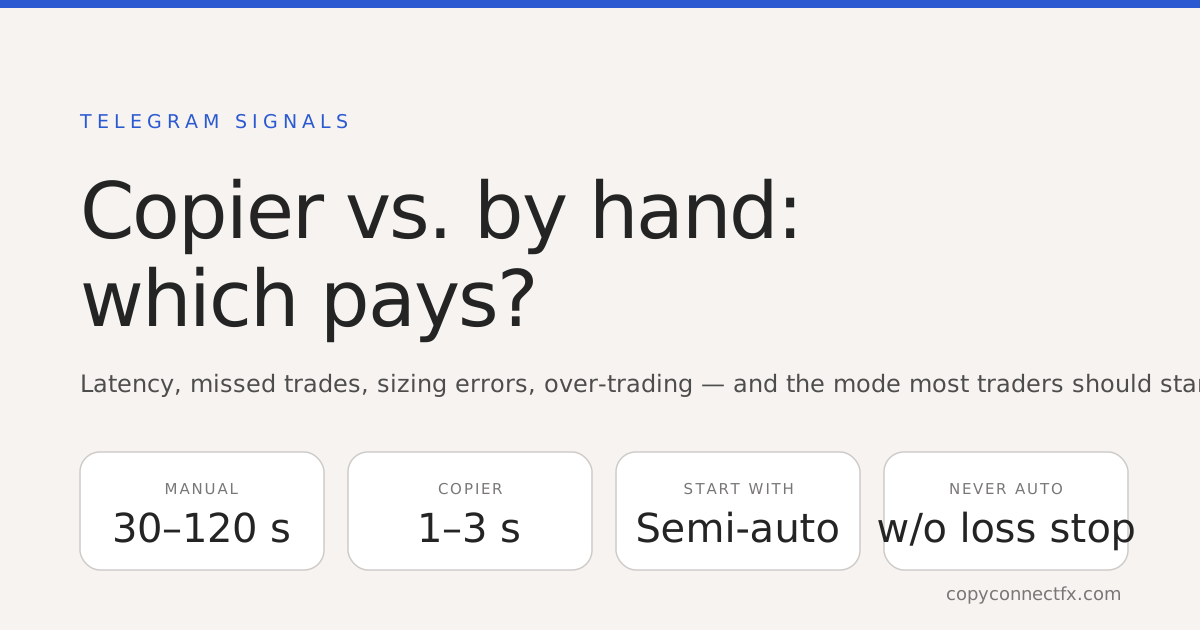
Short answer: an automated Telegram signal copier wins on execution — seconds instead of minutes, no missed signals, no fat-finger lot sizes — but it only makes money if the signal source does, and it will happily automate over-trading. The setup that works for most people is neither pure auto nor pure manual: semi-auto, where the copier parses and sizes every signal and you approve each one with a click. Start there.
Where manual execution loses
The honest accounting of trading signals by hand:
- Latency. Notification → open Telegram → read → open terminal → find symbol → type lot, SL, TPs → confirm. Thirty seconds on a good day, two minutes when you are away from the desk. Signal channels post entries at prices that are already moving; by the time you are in, the risk-reward has changed.
- Missed trades. Signals arrive at 3 a.m., during meetings, while driving. The ones you miss are random — which means your results are a random sample of the channel's, not the channel's.
- Typing errors. 0.10 becomes 1.0. SL and TP swapped. Wrong symbol suffix. Every manual entry is a chance to lose money in a way that has nothing to do with the strategy.
- Emotion. You skip the signal after two losers, then watch it win. You double up after two winners. Manual execution injects your psychology into someone else's system.
Where automation loses
- It copies bad signals faster. Automation is a multiplier, not an edge.
- Parsing risk. Signal channels write in free text — "GOLD BUY NOW 2415 SL 2405 TP1 2425 TP2 2440" one day, a screenshot the next. A copier that misreads a symbol or a decimal places the wrong trade at full size.
- Over-trading. It takes every signal — including the third gold entry in an hour that you would have skipped.
- Set-and-forget decay. The channel changes its format, or its quality, and the copier keeps executing until you notice.
Side by side
| Manual | Full auto | Semi-auto (recommended) | |
|---|---|---|---|
| Time to execute | 30–120 s | 1–3 s | 3–10 s (your click) |
| Missed signals | Common | None | None — you see every one |
| Sizing errors | Common | None (rule-based) | None |
| Bad-signal filtering | Your judgement | Rules only | Rules + your judgement |
| Over-trading risk | Low | High without limits | Low |
| Needs you awake | Yes | No | Yes, but for one click |
The mode ladder: test → semi-auto → auto
Test mode parses every signal and shows you what it would have done — symbol, direction, entry, stop, targets, computed lot — without placing anything. Run every new channel in test mode until you have watched it read a dozen signals correctly, including the oddly formatted ones. Semi-auto then does everything except the final click: the trade is built and sized, you approve or dismiss. This is where most traders should live — it removes the four manual failure modes above while keeping your judgement in the loop. Full auto is for channels you have watched for weeks, with hard limits on: max open trades, symbol whitelist, trading hours, and a daily loss stop. Without those limits, auto is not automation; it is gambling with extra steps.
Sizing: the part manual traders get wrong most
Signal channels rarely tell you a lot size, and when they do it is for their account. The copier sizes from a rule you set — fixed lot, or risk-% using the signal's stop distance — and does it identically every time. That alone fixes the single most common way manual signal traders blow up: inconsistent risk per trade. Work the rule out once with a position size calculator; the copier applies it forever.
What to look for in a copier
- Runs on your machine, not a shared server — your Telegram credentials and your trades stay local.
- Shows you how it parsed each signal, so misreads are visible before they cost anything.
- Has all three modes, and the risk limits above.
- Handles the messy reality: multiple TPs, "close half", "move SL to BE", signals with the entry as a range.
The CopyConnectFX Telegram-to-MT4/MT5 copier is built on exactly that list — local, three modes, parse view, limits — and setup is covered step by step in this guide and the video tutorial. Whatever you use: test mode first, semi-auto next, and never full auto without a daily loss stop.
Frequently asked questions
Is a Telegram signal copier better than trading signals manually?+
For execution, yes: it removes latency, missed signals and typing errors. For results, only if the signal source is good — automation copies bad signals faster too. Most traders do best with semi-auto: the copier parses and sizes every signal, you approve with one click.
How fast does a Telegram signal copier execute?+
Around one to three seconds from the message landing in Telegram to the order hitting your terminal, when the copier runs on your own PC or VPS. Manual execution averages 30–120 seconds — read, switch app, type, confirm. On a scalping signal that gap is the whole trade.
Can the copier misread a signal?+
Yes — signal channels write in free text, and formats vary. A good copier shows you exactly how it parsed each message (symbol, direction, entry, SL, TPs) and has a test mode that parses without trading. Run that first, on every new channel, until you have seen it read a dozen signals correctly.
Does automating signals mean I over-trade?+
It can — the copier takes every signal, including the ones you would have skipped on judgement. Counter it with the copier's own filters: max open trades, symbol whitelist, trading hours, and a daily loss stop. Those limits are the difference between automation and gambling.
Do I need to keep Telegram open on my phone?+
No. The copier logs into Telegram itself using your own API credentials and reads the channels you choose, on your PC or VPS. Your phone can be off.
Is it safe to give a signal copier my Telegram login?+
You are not giving it your password. Telegram issues an API ID and hash for your account at my.telegram.org, and the copier logs in with a code Telegram sends you — the same way Telegram Desktop does. Prefer a copier that runs locally on your machine, so those credentials never leave it.
Keep reading
Copy trades between MT4 & MT5 in milliseconds
Free local trade copier with a realtime web dashboard. Set up in 10 minutes — no coding.
Get Started Free