

MT5 vs TradeLocker — what actually changes when your firm switches
TradeLocker runs in a browser and has no Expert Advisors. For a MetaTrader trader that one difference decides almost everything else.
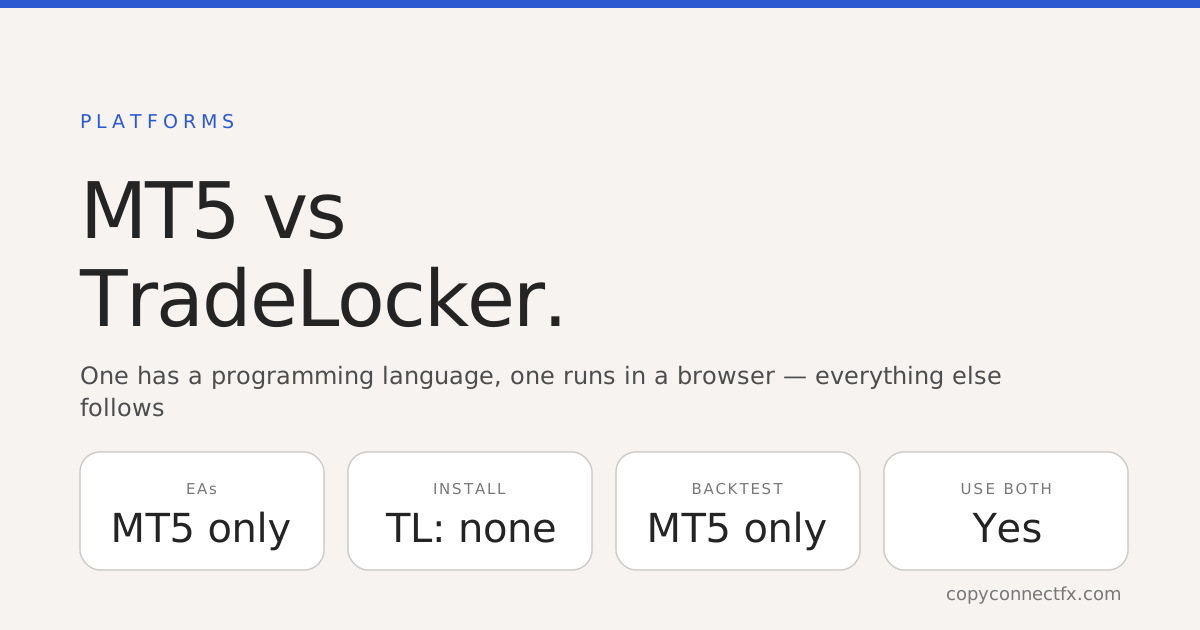
Short answer: MT5 is desktop software with a programming language inside it. TradeLocker is a browser platform without one. Every other difference you will notice comes from that, and for anyone who automates anything it is the only difference that really matters.
The comparison that counts
| MetaTrader 5 | TradeLocker | |
|---|---|---|
| Where it runs | Installed on Windows | In a browser, any device |
| Expert Advisors | Yes, MQL5 | None — no MQL runtime |
| Custom indicators | Yes | Built-in set only |
| Strategy backtesting | Yes, tick-level | Not comparable |
| Setup for the trader | Install, log in, configure | Open a link and log in |
| Automation route | Native, inside the platform | Official API, from outside |
Why this comes up at all
Most people do not choose between these two. They trade on MetaTrader, their prop firm issues a TradeLocker account, and suddenly their tooling and their funded account live in different places. The question is not which platform is better in the abstract — it is what to do when you have both.
What you lose moving to a browser platform
Being straight about it: you lose the ecosystem. No Expert Advisors, so nothing you have built or bought for MetaTrader runs there. No custom indicators from the MQL community. No strategy tester. If your edge is an EA, that edge does not transfer.
What you gain
Nothing to install, and it opens on any machine with a browser — including one that is not yours. For a prop firm that is the whole appeal: no support burden on the trader's PC, and a trader can be issued an account in minutes. For a discretionary trader who does not automate, very little is actually lost.
The practical answer: use both
The arrangement that works is to stop treating it as a choice. Keep strategy, automation and analysis on MetaTrader, where the tools are. Then copy the resulting trades into the TradeLocker account through TradeLocker's official API, so the funded account mirrors what your real setup does.
That is exactly what our MT5 to TradeLocker copier is for: a small free program beside your terminal that reads the trades your Sender EA already writes locally and places them on TradeLocker. Your MetaTrader side needs nothing new.
Worth knowing before you rely on it: market positions, closes and SL/TP changes are copied; pending orders and partial closes are not yet. And whether copying into a funded account is permitted is a question for your firm's rulebook, not for the platform.
Where to go next
- What is TradeLocker? — the platform on its own terms
- MT4 to TradeLocker copier — the bridge between the two
- TradeLocker copy trading end to end — what runs where
- Prop firm drawdown rules — the limits that end funded accounts
Trading foreign exchange and CFDs carries a high risk of losing money. A platform change alters your tooling, not your edge.
Frequently asked questions
What is the main difference between MT5 and TradeLocker?+
MT5 is desktop software with its own programming language and an ecosystem of Expert Advisors and indicators. TradeLocker runs in a browser with no MQL runtime at all. Everything else that differs between them follows from that one architectural choice.
Can I run my MT5 Expert Advisors on TradeLocker?+
No. There is no MQL5 runtime in TradeLocker, so an EA cannot be installed on it. If your trading depends on an EA, it has to keep running on MetaTrader, and anything you want on TradeLocker has to be copied there from outside.
Is TradeLocker better than MT5?+
They are built for different things, so better depends on what you need. TradeLocker needs no installation and opens anywhere with a browser, which is why many prop firms adopted it. MT5 gives you automation, custom indicators and backtesting that a browser platform does not attempt.
Why do prop firms use TradeLocker?+
It runs in a browser, so there is nothing for a trader to install and nothing for the firm to support on the trader's machine, and it was readily available during the MetaTrader licensing disruption that pushed several firms to look for alternatives.
Can I use both at once?+
Yes, and many people do: strategy and automation stay on MetaTrader where the tooling is, and the trades are copied into the TradeLocker account through TradeLocker's official API. You keep the ecosystem you know and still trade the account your firm gave you.
Keep reading
Copy trades between MT4 & MT5 in milliseconds
Free local trade copier with a realtime web dashboard. Set up in 10 minutes — no coding.
Get Started Free