
Free MT4/MT5 Dashboard EA: Live Account Stats on Your Chart
A free MetaTrader dashboard EA that puts balance, equity, daily and monthly P/L, drawdown, a monthly profit calendar, an hourly heatmap and a per-EA.
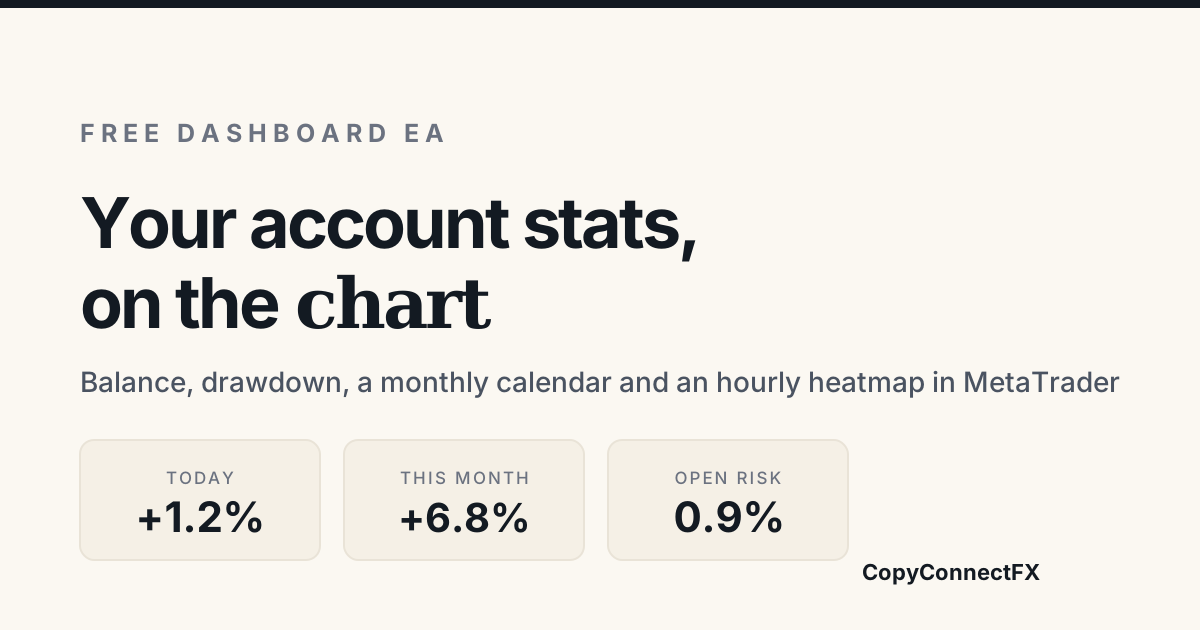
Short answer: a dashboard EA is an Expert Advisor that displays account information on the chart rather than trading. The free CopyConnectFX Dashboard EA shows balance, equity, open risk, daily and monthly P/L, drawdown, a monthly profit calendar, an hourly heatmap and a per-EA breakdown — in both MT4 and MT5, fully offline, with no trading functions of any kind.
MetaTrader gives you a balance figure in the corner and a history tab full of rows. Anything between those two — "how am I doing this month", "which of my three EAs is actually making money", "what is my open risk right now" — you are expected to work out yourself. A dashboard EA closes that gap.
What it puts on the chart
- Account state — balance, equity, free margin, margin level and floating P/L, updating on every tick.
- Open risk — the total you lose right now if every open position hits its stop. Not the same as floating loss, and far more useful.
- Today, this week, this month — realised P/L for each period in money and percent.
- Drawdown — current drawdown from the equity high, and the largest one in the loaded history.
- Monthly calendar — a grid of months and their results, so a bad quarter is visible at a glance instead of buried in a list.
- Hourly heatmap — profit by hour of the day, which is how you find out that your edge is really a session.
- Per-EA / per-magic breakdown — results split by magic number, so several EAs on one account can finally be judged separately.
Why a panel beats the history tab
The history tab is a list of what happened. A dashboard answers questions. The two that come up most:
"What is my real exposure right now?" Floating P/L tells you where the trades are. Open risk tells you where they can go. On an account with five positions and staggered stops, those are very different numbers, and only one of them is the one that ends your account.
"Which EA is carrying which?" If you run several strategies on one account, the aggregate balance curve is a blend that hides both the good and the bad. Split by magic number and the answer is usually obvious within seconds — and usually not the one you expected.
Installing it
- Download the EA with a free account and unzip it.
- In MetaTrader, open File → Open Data Folder → MQL4 (or MQL5) → Experts and copy the file in.
- Back in the terminal, right-click the Navigator panel and choose Refresh.
- Open a spare chart — any symbol, any timeframe — and drag the EA onto it.
- Make sure AutoTrading is enabled so the EA is allowed to run. It still cannot trade; MetaTrader simply requires the toggle for any EA.
One EA per chart is a MetaTrader rule, so if a trading EA already occupies your main chart, open a second one for the dashboard. It reads the whole account regardless of which symbol it sits on.
Read-only by design
The dashboard EA contains no order-sending code. Not disabled, not switched off by a setting — the functions that place, modify and close orders are simply not in it. That matters on a funded account, where an EA that could act is a risk even when configured not to.
It is the same principle behind our Verified Results Publisher EA, which uploads closed history and nothing else. If you are weighing up what to run on a challenge account, our guide to prop firm drawdown rules covers which limits you actually need to watch.
Where it fits with the rest
The dashboard is deliberately local — it needs no connection and reports to nobody. Two things it does not do, in case you need them:
- Monitoring several machines or terminals at once. That is the trade copier's web dashboard, which shows every VPS and terminal in one place and alerts you when one goes offline.
- Sharing your record. A chart panel is for you. Verified Results produces a public page from the same underlying history, with controls over which figures appear.
If you would rather analyse a one-off report than run anything on the terminal, the free statement analyzer produces a similar set of numbers from an exported MT4/MT5 file, entirely in your browser.
Download it
The MT4/MT5 Dashboard EA is free with a free CopyConnectFX account, works on both platforms, and runs on any broker including funded and prop-firm accounts. No licence key, no trial, and none of its features are held back for Premium.
Frequently asked questions
What is a dashboard EA in MetaTrader?+
A dashboard EA is an Expert Advisor that draws information on the chart instead of placing trades. It reads your account and trade history through MetaTrader's own functions and displays balance, equity, open risk, drawdown and performance breakdowns in a panel, so you can see the state of the account without opening the terminal history or a spreadsheet.
Is the CopyConnectFX dashboard EA really free?+
Yes — it is free to download with a free account, with no licence key and no trial period. It is a read-only tool: it has no trading functions at all, so it cannot open, modify or close a position.
Does the dashboard EA need an internet connection?+
No. It reads everything from your own terminal, so the panel keeps working with no connection at all. Only the optional web dashboard needs the internet, and that is a separate product you do not have to use.
Can I run a dashboard EA and a trading EA on the same chart?+
No — MetaTrader allows only one Expert Advisor per chart. Open a second chart of any symbol and attach the dashboard there. It reads the whole account, not just that chart's symbol, so which chart it sits on makes no difference.
Is it safe to run on a funded or prop-firm account?+
The dashboard EA contains no order-sending code, so it cannot breach a trading rule by acting on its own. Prop firms generally allow read-only tools, but some require you to declare any EA you run — check your firm's terms if you are unsure.
Keep reading
Copy trades between MT4 & MT5 in milliseconds
Free local trade copier with a realtime web dashboard. Set up in 10 minutes — no coding.
Get Started Free