
How to Send TradingView Alerts to Telegram — Free Webhook Method (2026)
Step-by-step: connect a TradingView alert webhook to your Telegram channel or group in about 5 minutes — no coding, no server.
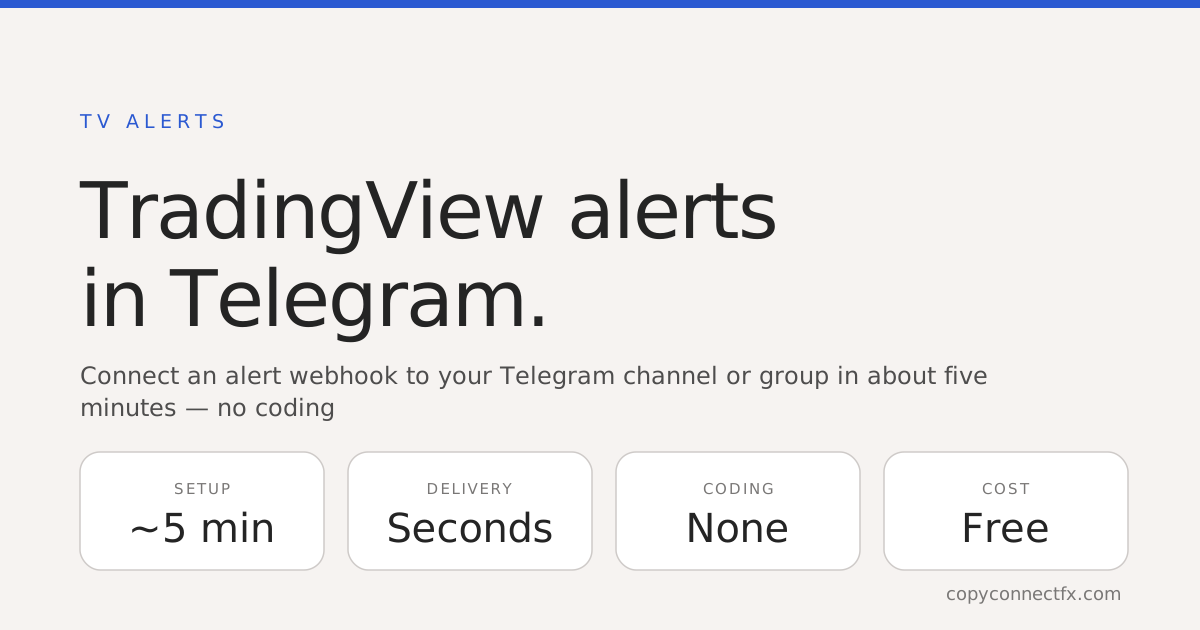
Short answer: TradingView cannot message Telegram directly — but it can call a webhook URL the moment an alert fires. Point that webhook at a forwarding service like CopyConnectFX TV Alerts, and the alert lands in your Telegram chat, channel or group within seconds. Setup is about 5 minutes, needs no coding and no server, and the forwarding side is free.
What you need before starting
- A TradingView plan with webhooks — Essential or higher (webhooks are a TradingView feature gate, free TradingView accounts cannot send them).
- A Telegram account and the channel or group you want alerts in.
- A free CopyConnectFX account for the webhook → Telegram bridge.
Step 1 — Create your Telegram bot (2 minutes)
- Open Telegram, search @BotFather, send
/newbotand follow the prompts. - Copy the bot token BotFather gives you (a long string with a colon).
- Add the bot to your channel or group and promote it to admin — without admin rights it cannot post.
- Get your channel ID with @RawDataBot — channel IDs start with
-100.
Step 2 — Create the webhook URL (1 minute)
In your CopyConnectFX dashboard, open TV Alerts, paste the bot token and channel ID, and create a webhook. You get a personal webhook URL — one line, no server to host, nothing to code.
Step 3 — Paste it into TradingView (2 minutes)
- On your TradingView chart, create or edit an alert.
- Open the Notifications tab and tick Webhook URL.
- Paste your webhook URL and write your message, for example:
{{ticker}} {{strategy.order.action}} @ {{close}}. - Save. When the alert triggers, the formatted message appears in Telegram in seconds.
DIY bot vs forwarding service — honest comparison
| Factor | Forwarding service | Code your own bot |
|---|---|---|
| Setup time | ~5 minutes | Hours (bot code + hosting) |
| Server needed | No | Yes — running 24/7, or alerts are lost |
| Formatting | Clean text, not raw JSON | You write the parser yourself |
| Delivery log | Built-in status per alert | You build your own logging |
| Cost | Free — no paid tier | VPS ~$5–10/mo + your time |
If you enjoy running servers, the DIY route works. If you just want alerts in Telegram reliably, the bridge is the 5-minute answer.
Troubleshooting checklist
- Nothing arrives: confirm your TradingView plan supports webhooks, and check the TV Alerts log — if the alert reached the webhook, the problem is on the Telegram side.
- Bot can't post: it must be an admin of the channel/group.
- Wrong chat: channel IDs need the
-100prefix from @RawDataBot. - Once fired, then stopped: TradingView "Only once" alerts fire a single time — use "Once per bar close" for recurring signals.
What signal providers add next
Running a signals community? Route one alert to your announcement channel and your VIP group at once, and pair it with a public verified results page so members see real performance, not screenshots. If you also auto-trade the signals, the same free account includes a local MT4/MT5 trade copier to mirror the trades across your accounts.
Chart to channel in seconds. Create your webhook free — no card, no coding.
Frequently asked questions
How do I send TradingView alerts to Telegram?+
Create a Telegram bot with @BotFather, make it admin in your channel or group, then create a webhook URL in CopyConnectFX TV Alerts and paste that URL into your TradingView alert's Notifications → Webhook URL field. When the alert fires, the message is delivered to Telegram in seconds. No coding or server is required.
Is there a free way to forward TradingView alerts to Telegram?+
Yes. CopyConnectFX TV Alerts forwards TradingView webhook alerts to your Telegram chat, channel or group, free and with no alert limit. Note that TradingView itself requires a paid TradingView plan (Essential or higher) to use webhooks — that requirement comes from TradingView, not from the forwarding service.
Why is my TradingView webhook alert not reaching Telegram?+
The usual causes: the Telegram bot is not an admin of the channel, the channel ID is missing the -100 prefix, the webhook URL was pasted with a typo, or your TradingView plan does not include webhooks. The TV Alerts log page shows each incoming alert and its delivery status, which pinpoints where it stopped.
Can TradingView alerts go to a Telegram group and a channel at the same time?+
Yes. You can route one webhook to multiple destinations — a private chat, a signals channel and a members group — which is how most signal providers run announcements and VIP delivery from a single TradingView alert.
How fast do the alerts arrive?+
Typically within a few seconds of the TradingView alert firing: TradingView posts the webhook the moment the condition triggers, and the message is relayed straight to Telegram's API without polling.
Keep reading
Copy trades between MT4 & MT5 in milliseconds
Free local trade copier with a realtime web dashboard. Set up in 10 minutes — no coding.
Get Started Free